NAS (Network Attached Storage)
NAS (Network Attached Storage) is a purpose-built or DIY storage appliance that connects to a local network and exposes shared storage to other network-connected devices via protocols such as SMB (for Windows/macOS file sharing), NFS (for Linux), and WebDAV; A NAS device houses multiple hard drives organized into a RAID array (or using a RAID-alternative like ZFS with mirroring or RAIDZ) to provide redundancy against drive failure; A NAS is the correct investment for builders who accumulate large amounts of data (video footage, project archives, personal media) across multiple devices
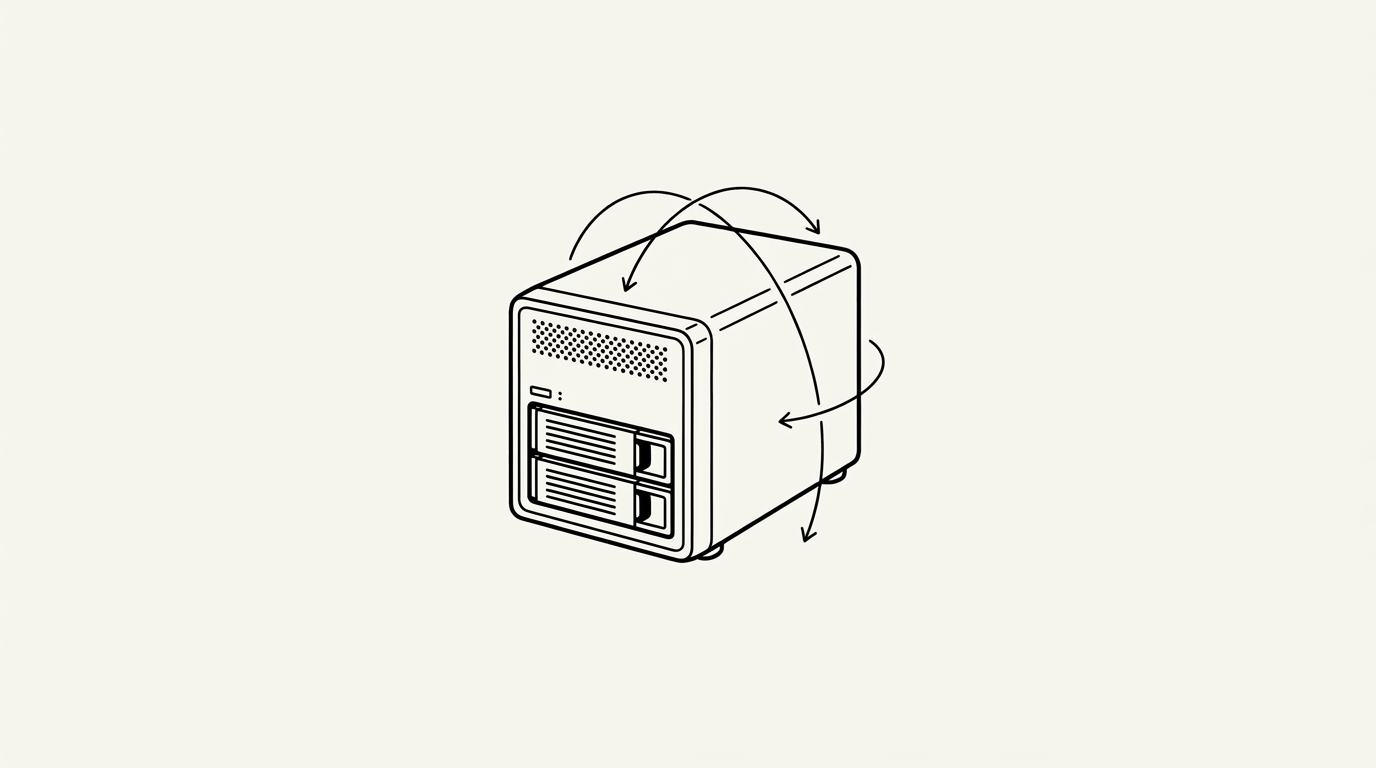

NAS (Network Attached Storage) is a purpose-built or DIY storage appliance that connects to a local network and exposes shared storage to other network-connected devices via protocols such as SMB (for Windows/macOS file sharing), NFS (for Linux), and WebDAV. Consumer NAS devices (Synology, QNAP) combine the hardware and OS in a turnkey product; DIY NAS builds use commodity hardware running TrueNAS, OpenMediaVault, or similar. For homelabbers, the NAS is typically the foundation of the storage layer, holding media libraries, backups, and file sync data.
How it works
A NAS device houses multiple hard drives organized into a RAID array (or using a RAID-alternative like ZFS with mirroring or RAIDZ) to provide redundancy against drive failure. The NAS OS manages the drive array, filesystem (typically ZFS, Btrfs, or ext4), and the network sharing services. When a client device accesses a share, the NAS OS handles authentication, permission checks, and data transfer over the local network. Gigabit Ethernet supports sustained transfer rates of roughly 110 MB/s; 2.5 GbE and 10 GbE NICs are increasingly common for faster transfers.
Key facts
- Synology vs. DIY: Synology DSM offers a polished turnkey experience; TrueNAS on custom hardware offers more flexibility and typically more storage per dollar
- Drive selection: NAS-rated HDDs (Seagate IronWolf, WD Red) are designed for 24/7 operation and multi-drive vibration environments; desktop drives are not recommended for NAS use
- 3-2-1 backup rule: A NAS is storage, not a backup; the 3-2-1 rule (3 copies, 2 media types, 1 offsite) requires the NAS to be backed up elsewhere
For builders
A NAS is the correct investment for builders who accumulate large amounts of data (video footage, project archives, personal media) across multiple devices. Synology is the easiest entry point due to its polished software and extensive documentation; TrueNAS Scale (the Linux/Kubernetes-based edition) is the right choice for builders who want a more flexible platform for running Docker workloads alongside storage. The NAS and the homelab server are often combined into a single system running Proxmox with TrueNAS in a VM.
Sources
- SNIA. Storage Networking Industry Association dictionary and standards. snia.org
- Patterson, D., Gibson, G., Katz, R. (1988). A Case for Redundant Arrays of Inexpensive Disks (RAID). usenix.org
- OpenZFS. OpenZFS documentation. openzfs.github.io
- iXsystems. TrueNAS documentation. truenas.com
- ServeTheHome. Storage testing and reviews. servethehome.com
