RAID
RAID (Redundant Array of Independent Disks) is a data storage virtualization technology that combines two or more physical drives into a single logical storage unit; Hardware RAID uses a dedicated controller with its own processor and cache to manage the array, presenting it to the OS as a single disk; For most homelab builders, ZFS with mirroring (equivalent to RAID 1) or RAIDZ2 (equivalent to RAID 6) is the recommended storage configuration rather than traditional hardware or software RAID, because ZFS adds data integrity checksumming, copy-on-write snapshots, and efficient compression
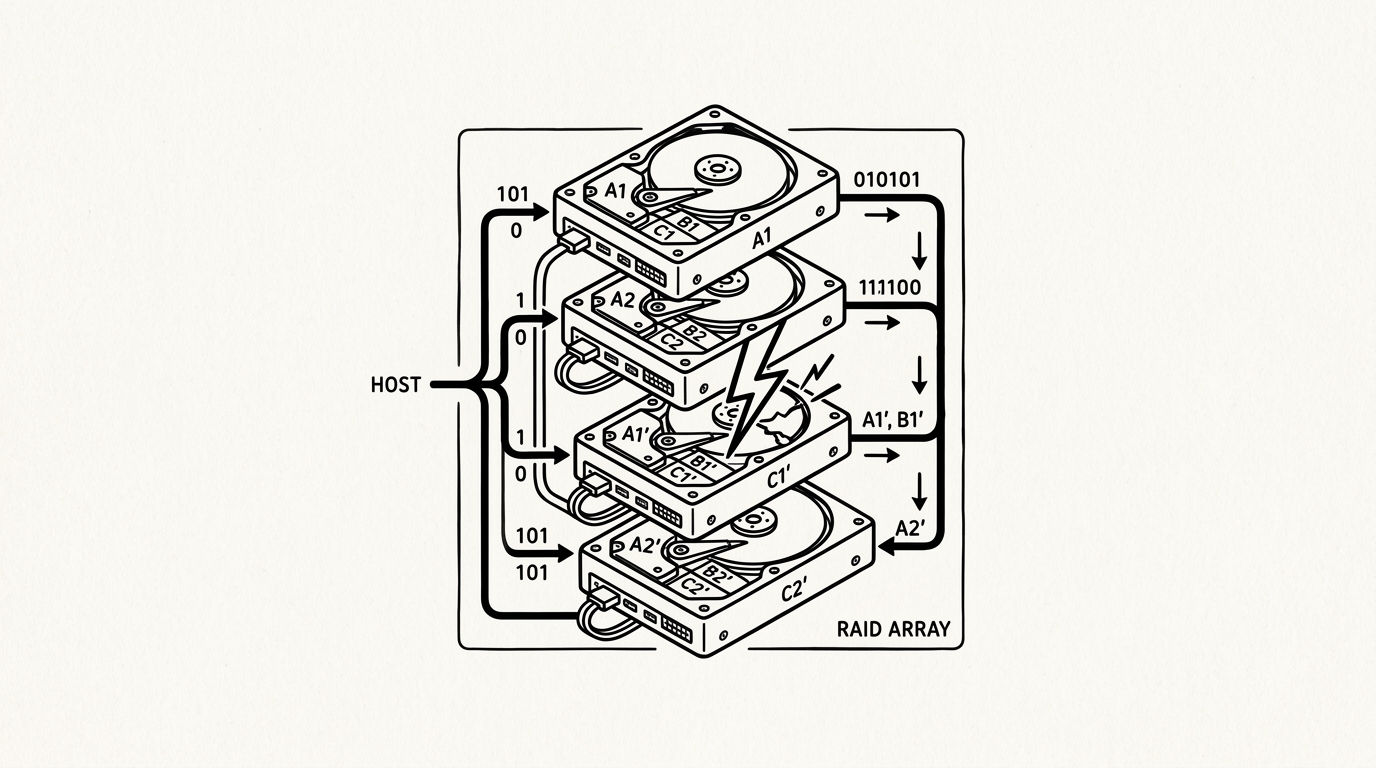

RAID (Redundant Array of Independent Disks) is a data storage virtualization technology that combines two or more physical drives into a single logical storage unit. Different RAID levels offer different trade-offs between storage capacity, read/write performance, and fault tolerance. RAID is a fundamental component of NAS devices and servers where data availability is important, but it is critical to understand that RAID is not a backup: it protects against drive failure, not against accidental deletion, ransomware, or datacenter-level events.
How it works
Hardware RAID uses a dedicated controller with its own processor and cache to manage the array, presenting it to the OS as a single disk. Software RAID (mdadm on Linux, ZFS mirrors/RAIDZ, Windows Storage Spaces) uses the host CPU. RAID 1 mirrors data identically across two drives: one drive can fail and the data remains fully intact. RAID 5 stripes data with parity across three or more drives, tolerating one failure. RAID 6 uses dual parity for two-drive failure tolerance. ZFS RAIDZ levels provide similar protection with additional integrity guarantees via checksumming.
Key facts
- RAID is not a backup: RAID protects against drive failure only; ransomware or filesystem corruption affects all drives simultaneously
- RAID 1 (mirror): Simplest redundancy, 50 percent usable capacity, zero-overhead reads (reads from both drives simultaneously), best rebuild time
- Rebuild risk: During a RAID rebuild after a drive failure, the surviving drives are under maximum stress and statistically more likely to fail; always have a backup before this scenario
For builders
For most homelab builders, ZFS with mirroring (equivalent to RAID 1) or RAIDZ2 (equivalent to RAID 6) is the recommended storage configuration rather than traditional hardware or software RAID, because ZFS adds data integrity checksumming, copy-on-write snapshots, and efficient compression. The practical rule: size the RAID array to hold all data with redundancy, but always maintain at least one additional copy of critical data on separate media (an external drive or cloud backup) per the 3-2-1 rule.
Sources
- Patterson, D., Gibson, G., Katz, R. (1988). A Case for Redundant Arrays of Inexpensive Disks. usenix.org
- SNIA. Storage Networking Industry Association dictionary and standards. snia.org
- OpenZFS. OpenZFS documentation. openzfs.github.io
- iXsystems. TrueNAS documentation. truenas.com
- ServeTheHome. Storage testing and reviews. servethehome.com
