Media Server
Media Server is a category of self-hosted software that manages a local library of media files and serves them to client devices on demand, with capabilities for transcoding, metadata enrichment, user management, and remote access; The media server scans configured library directories, identifies media files, pulls metadata (artwork, descriptions, subtitles) from databases like TheMovieDB and TheTVDB, and builds a browsable catalog; A media server on a homelab NAS or mini PC is a practical demonstration of self-hosting ROI: the hardware pays for itself in months compared to maintaining multiple streaming subscriptions
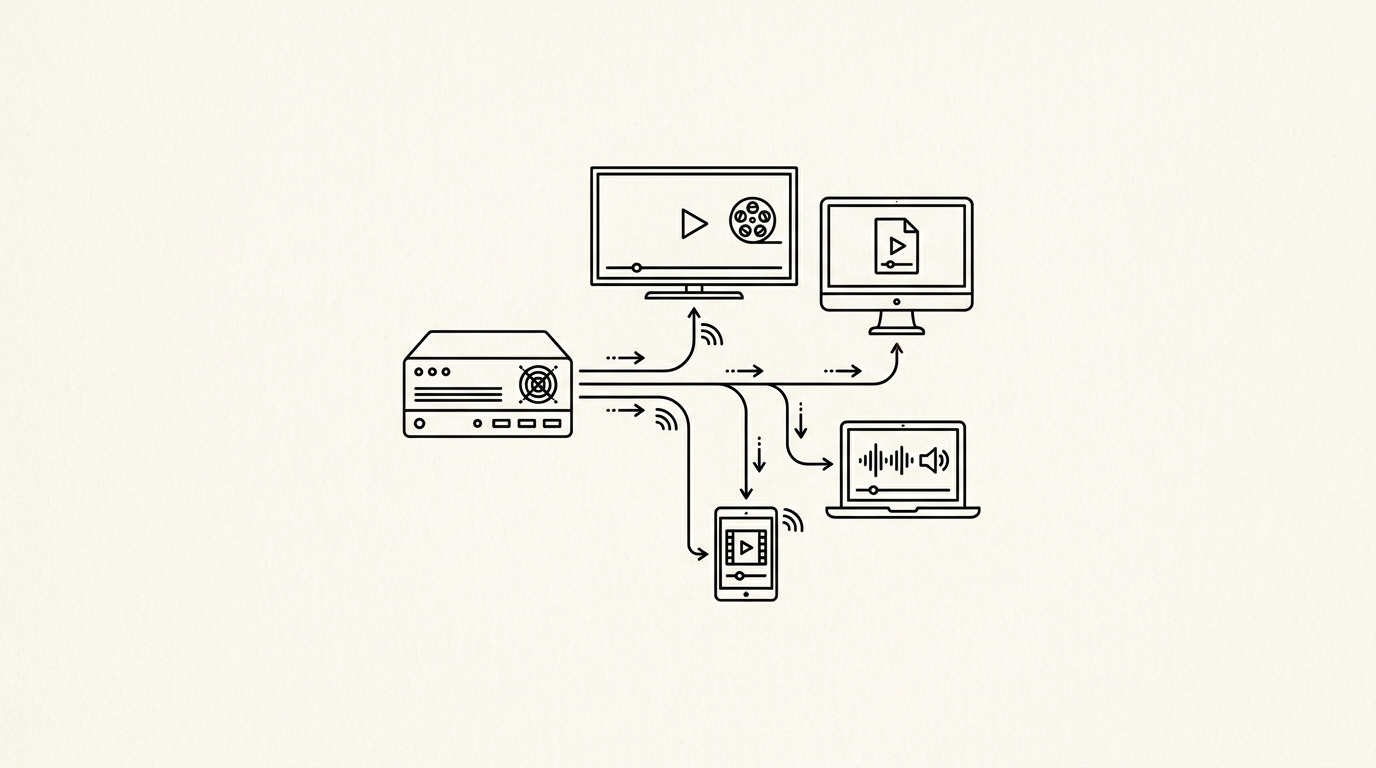

Media Server is a category of self-hosted software that manages a local library of media files and serves them to client devices on demand, with capabilities for transcoding, metadata enrichment, user management, and remote access. The most prominent open-source options are Jellyfin (fully open-source), Plex (freemium with premium Pass features), and Emby. Media servers are among the most popular entry points into self-hosting because they provide immediate, tangible value: access to a personal media library from any device, including smart TVs, phones, and web browsers.
How it works
The media server scans configured library directories, identifies media files, pulls metadata (artwork, descriptions, subtitles) from databases like TheMovieDB and TheTVDB, and builds a browsable catalog. When a client requests playback, the server either direct-plays the file (if the client supports the codec and container natively) or transcodes it in real time to a compatible format. Transcoding is CPU-intensive; hardware-accelerated transcoding via Intel Quick Sync, NVIDIA NVENC, or AMD VCE reduces CPU load significantly.
Key facts
- Jellyfin vs. Plex: Jellyfin is fully open-source with no premium tier; Plex requires Plex Pass ($5/month or $120 lifetime) for features like offline sync, hardware transcoding, and live TV
- Hardware transcoding: An Intel N-series mini PC (Beelink EQ12, for example) provides hardware-accelerated H.264/H.265/AV1 transcoding for under $200
- Remote access: Jellyfin uses an internal reverse proxy or Cloudflare Tunnel for external access; Plex routes through Plex’s relay servers by default
For builders
A media server on a homelab NAS or mini PC is a practical demonstration of self-hosting ROI: the hardware pays for itself in months compared to maintaining multiple streaming subscriptions. Jellyfin running in Docker on a mini PC with hardware transcoding enabled handles 4K HDR streams to multiple simultaneous clients without noticeable CPU load. The operational overhead after initial setup is minimal, making it one of the lowest-maintenance self-hosted services.
Sources
- SNIA. Storage Networking Industry Association dictionary and standards. snia.org
- Patterson, D., Gibson, G., Katz, R. (1988). A Case for Redundant Arrays of Inexpensive Disks (RAID). usenix.org
- OpenZFS. OpenZFS documentation. openzfs.github.io
- iXsystems. TrueNAS documentation. truenas.com
- ServeTheHome. Storage testing and reviews. servethehome.com
