LCP (Largest Contentful Paint)
LCP (Largest Contentful Paint) is a Core Web Vital metric that measures the render time of the largest visible content element in the viewport from when the page starts loading; The browser identifies the largest element visible within the viewport at each paint cycle and records its render time; WordPress publishers running on shared hosting often see poor LCP scores due to slow TTFB and unoptimized theme images
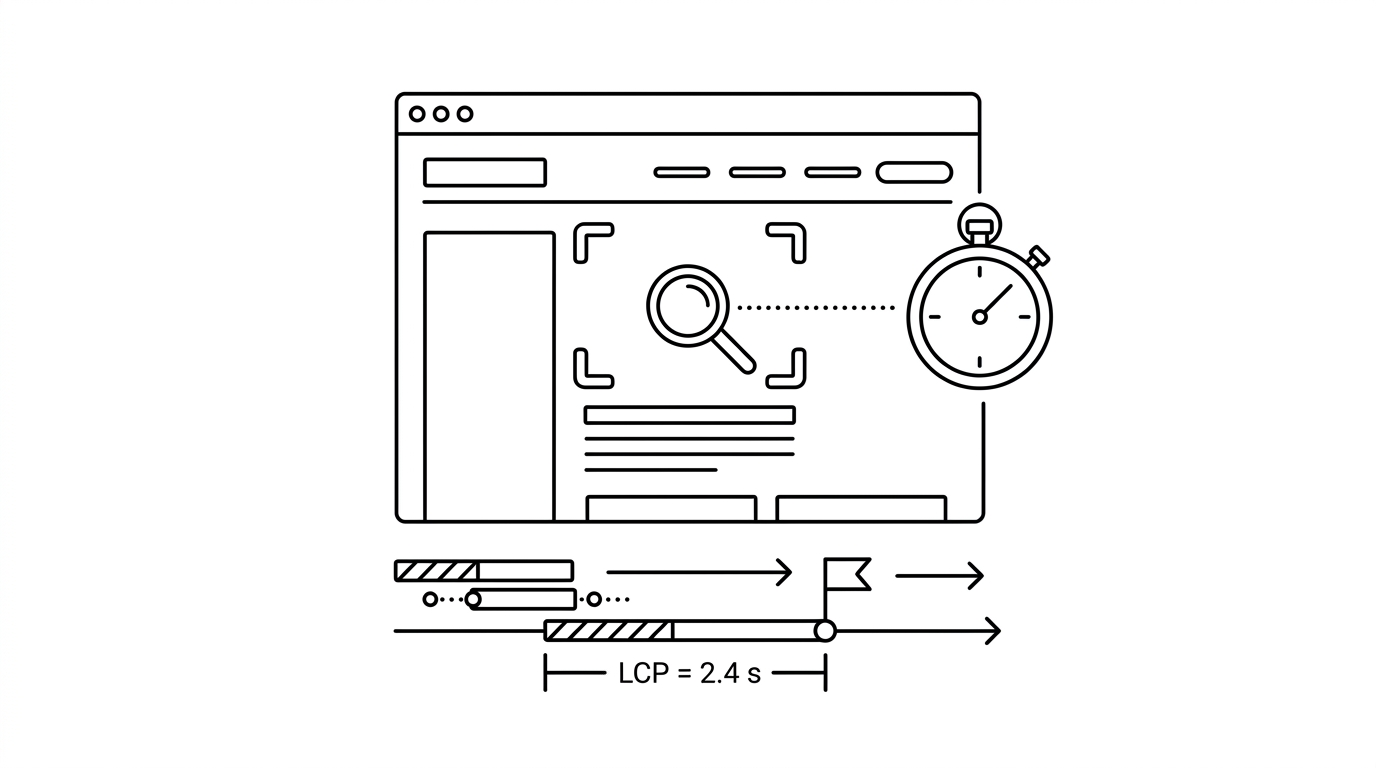

LCP (Largest Contentful Paint) is a Core Web Vital metric that measures the render time of the largest visible content element in the viewport from when the page starts loading. The measured element is typically a hero image, a large text block, a video thumbnail, or an image carousel. LCP represents the user’s perception of when the main content of the page has loaded. Google’s threshold for a Good LCP is under 2.5 seconds; 2.5-4 seconds is Needs Improvement; above 4 seconds is Poor.
How it works
The browser identifies the largest element visible within the viewport at each paint cycle and records its render time. The element type considered includes image elements, video poster images, background images loaded via CSS, and block-level text elements. LCP is finalized when the user first interacts with the page (scroll, click, key press), since interaction signals the page is loaded from the user’s perspective. Common causes of poor LCP include unoptimized large hero images, render-blocking resources that delay image loading, slow server response times (TTFB), and client-side rendering JavaScript frameworks that delay DOM content.
Key facts
- Primary culprit: Hero images are the most common LCP element on content sites; using WebP format, serving responsive image sizes, and adding fetchpriority=’high’ to the hero image tag are the highest-impact LCP optimizations.
- CDN impact: Serving images and assets from a CDN geographically close to the user can reduce LCP by 0.5-1.5 seconds for global audiences.
- TTFB dependency: LCP cannot be fast if server Time to First Byte (TTFB) is slow; a TTFB above 600ms is difficult to overcome even with perfect front-end optimization.
For builders
WordPress publishers running on shared hosting often see poor LCP scores due to slow TTFB and unoptimized theme images. The highest-ROI LCP improvement stack for a WordPress content site: migrate to a faster host (Kinsta, WP Engine, or a VPS with Redis caching), implement a CDN (Cloudflare is free and effective), convert images to WebP format automatically via a plugin (ShortPixel, Imagify), and add ‘fetchpriority=high loading=eager’ attributes to the above-the-fold hero image. These four changes typically move a Poor LCP into the Good range for most content pages.
Sources
- Google. Web Vitals documentation, including Core Web Vitals. web.dev
- Google. Page experience and Core Web Vitals as ranking signals. developers.google.com
- W3C. Performance Timeline specification. w3.org
- Chromium. Speed and performance metrics documentation. chromium.googlesource.com
- HTTP Archive. Web performance public dataset. httparchive.org
