CLS (Cumulative Layout Shift)
CLS (Cumulative Layout Shift) is a Core Web Vital metric that quantifies the visual stability of a web page by measuring how much visible content unexpectedly shifts its position during page load; CLS is triggered when elements are inserted above existing content (pushing it down), when images without declared dimensions are loaded (causing surrounding content to reflow), when web fonts load and cause text reflow (FOUT/FOIT), or when ads or embeds resize after initial render; Ad-supported content publishers typically have higher CLS than non-ad sites because ad networks dynamically inject content of varying sizes into reserved slots
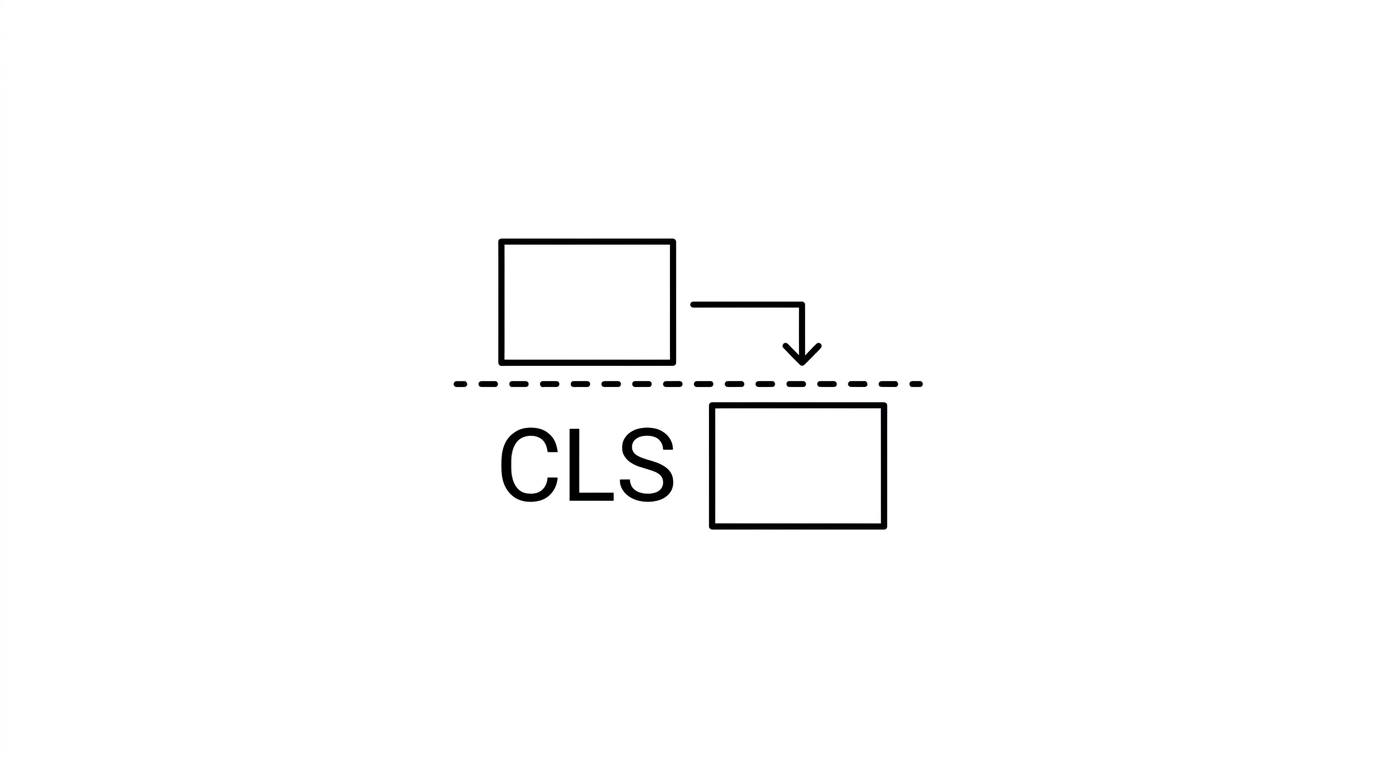

CLS (Cumulative Layout Shift) is a Core Web Vital metric that quantifies the visual stability of a web page by measuring how much visible content unexpectedly shifts its position during page load. A layout shift occurs when an element that has already been rendered moves to a different position in the viewport without user interaction triggering it. The CLS score is calculated by summing the impact fraction (how much screen area was affected) multiplied by the distance fraction (how far elements moved) for all unexpected shifts during the page lifecycle.
How it works
CLS is triggered when elements are inserted above existing content (pushing it down), when images without declared dimensions are loaded (causing surrounding content to reflow), when web fonts load and cause text reflow (FOUT/FOIT), or when ads or embeds resize after initial render. Google’s Good threshold is a CLS score under 0.1; 0.1-0.25 is Needs Improvement; above 0.25 is Poor. The score is measured from real Chrome users via CrUX field data, not just page load; layout shifts occurring during user scrolling within 500ms after an interaction are excluded from the score.
Key facts
- Image dimensions: Always declare explicit width and height attributes on img elements; this allows the browser to reserve the correct space before the image loads, preventing the most common CLS source.
- Ad slot reservation: Reserving fixed-height space for ad slots (even before the ad loads) is the primary fix for CLS on ad-supported publisher sites.
- Font optimization: Using font-display: optional or preloading critical web fonts eliminates text reflow layout shifts caused by font swapping.
For builders
Ad-supported content publishers typically have higher CLS than non-ad sites because ad networks dynamically inject content of varying sizes into reserved slots. The fix is to specify min-height on ad containers matching the largest ad unit expected, so the space is always reserved. For WordPress sites, poorly coded themes that inject banner images or notification bars above the content on load are another common CLS culprit. Running a CLS audit on the top 20 highest-traffic templates (homepage, category page, article page) covers the majority of user sessions and CLS score impact.
Sources
- Google. Web Vitals documentation, including Core Web Vitals. web.dev
- Google. Page experience and Core Web Vitals as ranking signals. developers.google.com
- W3C. Performance Timeline specification. w3.org
- Chromium. Speed and performance metrics documentation. chromium.googlesource.com
- HTTP Archive. Web performance public dataset. httparchive.org
